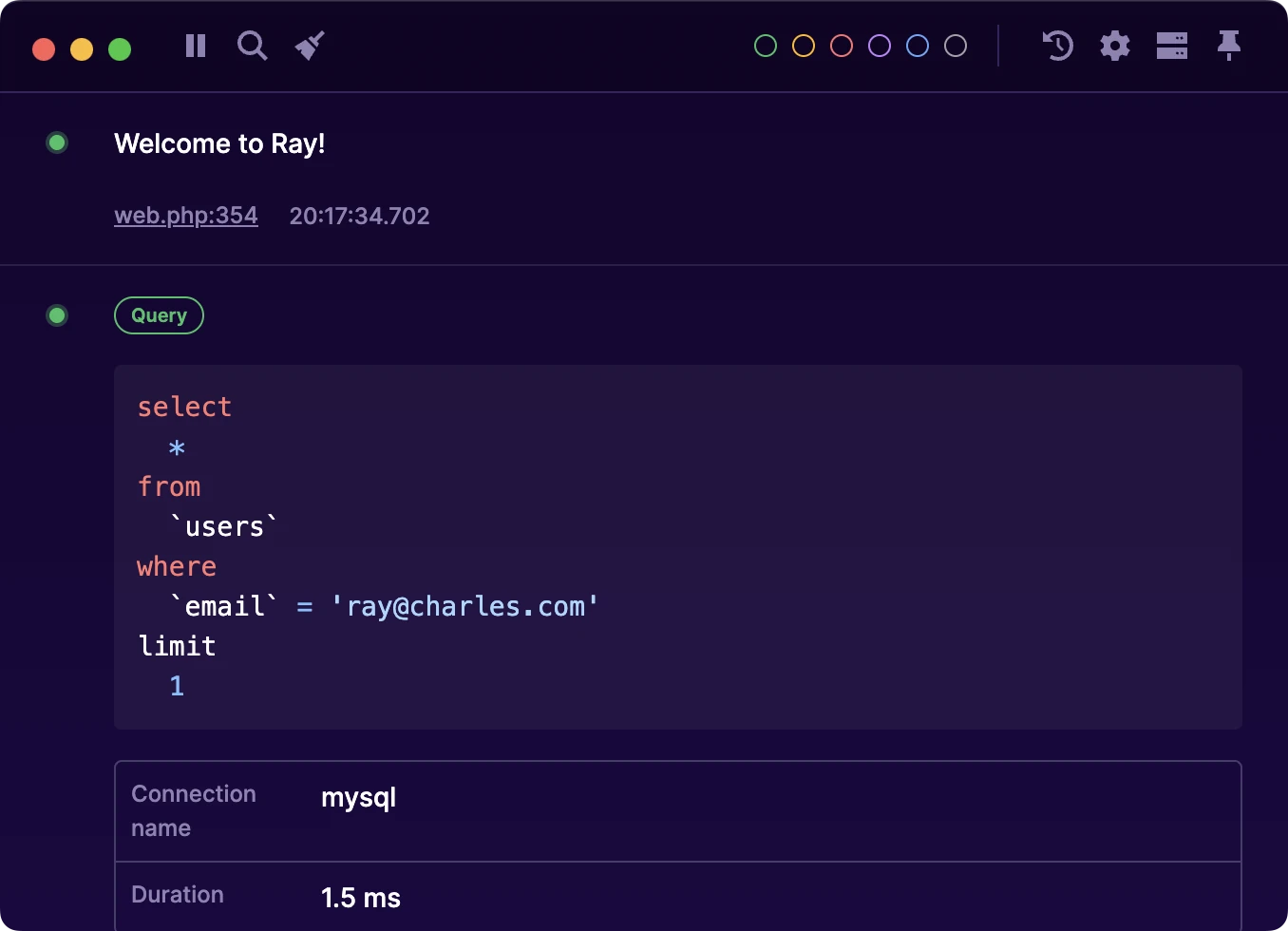
Detecting N+1 issues in your Laravel project with Ray
10 November 2023

Tim
N+1 issues are a common pitfall when writing applications backed by a relational database.
These issues happen when you attempt to access data from a relationship by lazy loading it. This might seem innocent, but it can have a significant performance impact as your app keeps growing.
While it's not hard to resolve N+1 issues, they can quickly go under the radar for a long time. This is where the power of Ray comes in to help you avoid them!
Luckily, Laravel gives us some tools to detect and prevent N+1 issues.
Let's add the following code to our AppService provider's boot method:
public function boot(): void

{

    Model::preventLazyLoading(! $this->app->isProduction());

    Model::handleLazyLoadingViolationUsing(function ($model, $relation): void {

        $class = get_class($model);

        ray()->notify("Attempted to lazy load [{$relation}] on model [{$class}].");

    });

}
With the Model::preventLazyLoading() method, we can tell Laravel never to allow lazy loading. Of course, we don't want to break our application in production in case we miss an N+1 issue, so we pass a check and don't turn off lazy loading on production.
The Model::handleLazyLoadingViolationUsing() method will allow us to define custom behavior for when an N+1 issue is detected.
In our case, we will call Ray using the notify() method. Using the notify method, we ensure Ray shows a notification so we don't miss the detected issue.
To make this more practical, let's test this with a simple example: imagine a blogging application with a Post and Comment model. Some simplified code for outputting posts and comments could look like this:
$posts = Post::query()->limit(5)->get();

foreach ($posts as $post) {

    echo "<h1>{$post->title}</h1>";

    foreach ($post->comments as $comment) {

        echo "<p>{$comment->body}</p>";

    }

}
If we run this code, Ray will pop up a notification to tell us about the N+1 issue in our code:

To investigate this more, we can use the showQueries() method from Ray to output all queries that are being executed:
ray()->showQueries();

$posts = Post::query()->limit(5)->get();

foreach ($posts as $post) {

    echo "<h1>{$post->title}</h1>";

    foreach ($post->comments as $comment) {

        echo "<p>{$comment->body}</p>";

    }

}
Now, if we run this code, we can see that queries are being executed for each post that we loaded, which is not optimal:

To resolve this Eloquent allows us to define which relationships we want to eager load:
$posts = Post::query()->with('comments')->limit(5)->get();
When we run this, we no longer get the N+1 notification, and we can see that we optimized the code so that it only has to execute two queries to get all the data. Win!
Stay in the loop with updates & promotions for Ray
We only send a few emails a year.

Debug without breaking your flow
Ray keeps all your debug output neatly organized in a dedicated desktop app.
Licenses are valid for 1 year and managed through Spatie. Licenses purchased before Ray 3 remain valid. VAT is calculated at checkout.