AI
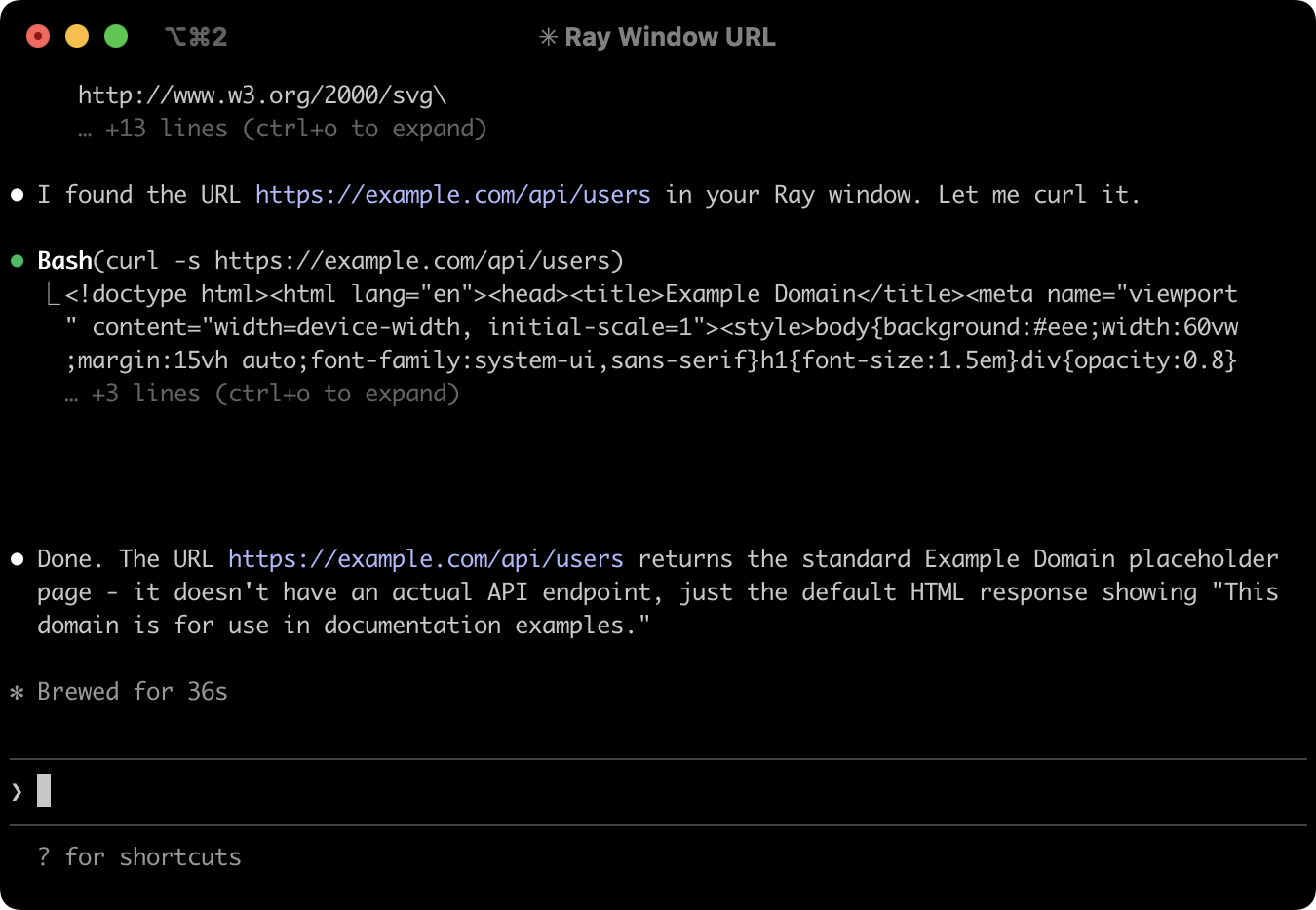
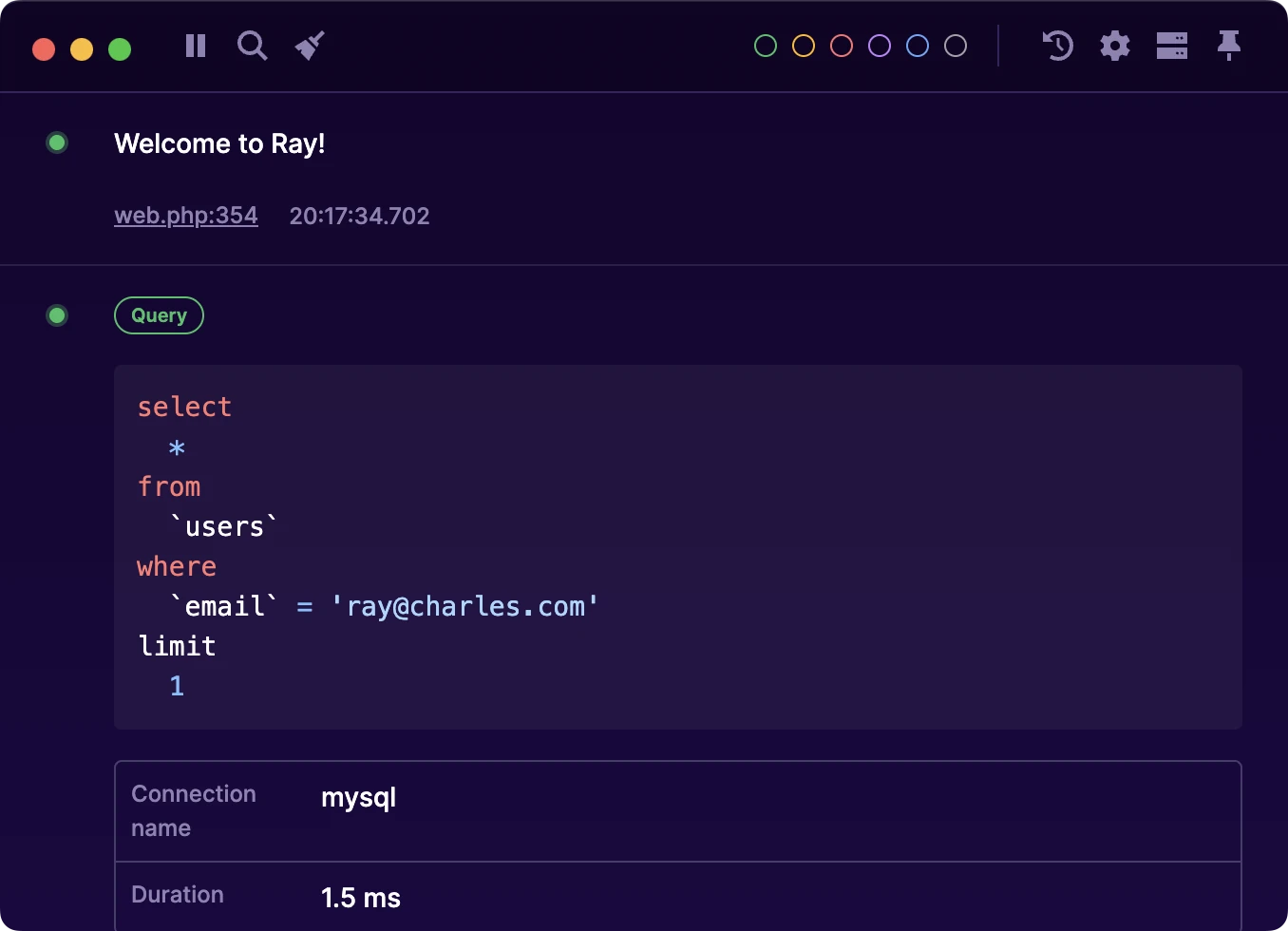
Ray includes a built-in Model Context Protocol (MCP) server, and we also provide a set of agent skills that allow AI agents to interact with Ray. These skills let your agents send payloads to Ray in much the same way as the Ray SDKs do. You can accomplish quite a lot using only the skills, but if you want your AI agent to read data from Ray, you’ll need to use the MCP server.
#Installing the skills
Run the following command to install the ray-skills repository:
npx skills add spatie/ray-skills
That’s it! You can now run the ray skill to enable the Ray skills in your AI tool of choice.
In Claude Code, this is as simple as running:

Which will result in the following:
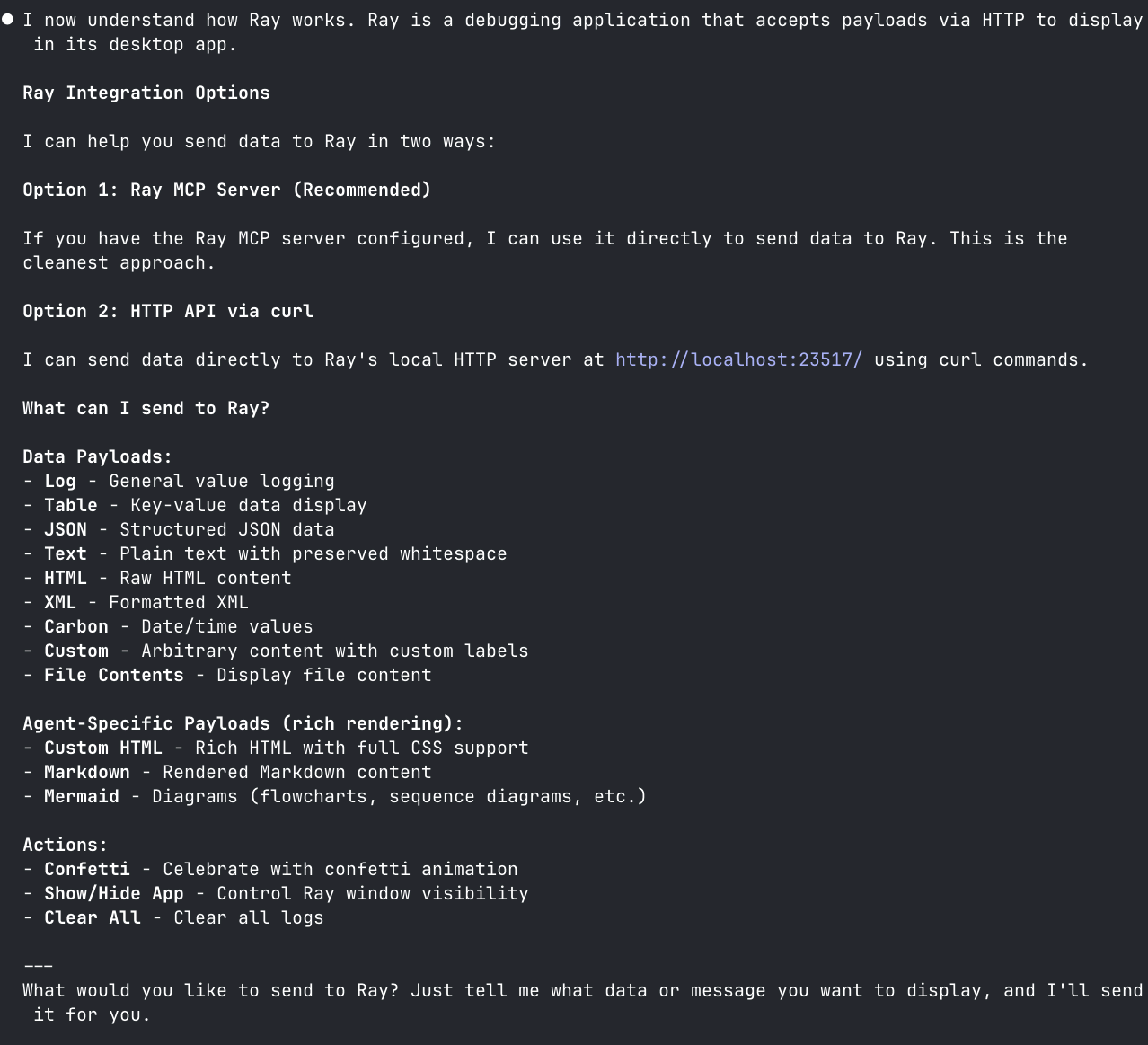
More information can be found here: ray-skills.
#MCP Server Configuration
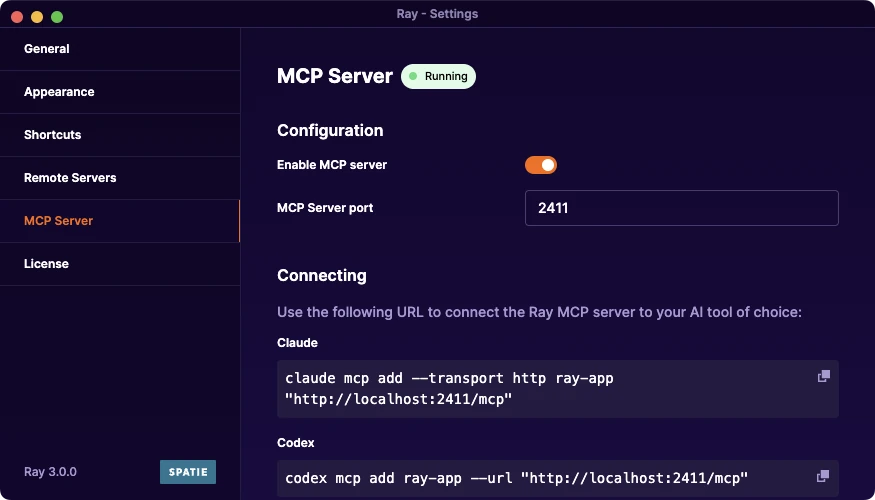
The MCP server starts automatically when Ray launches and runs on port 2411. You can inspect the currently available MCP tools directly from the settings page to see which tools your agents have access to.
The MCP server exposes multiple tools that agents can call, including:
- Reading window contents and debug output
- Sending text, HTML or markdown output to Ray
- Sending notifications
- Clearing messages
#Ray as an AI output window
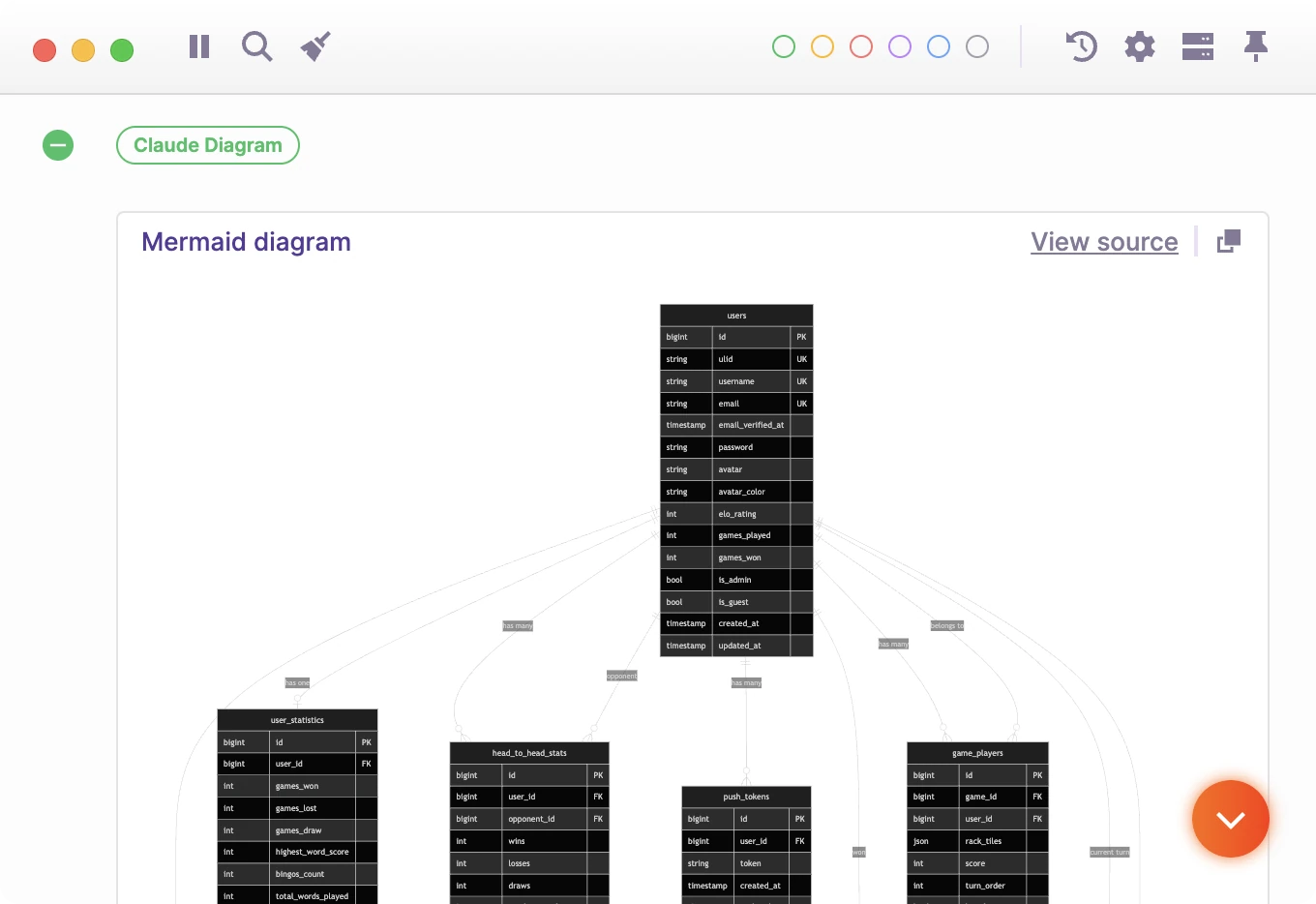
One of the most common use cases is using Ray as an output window for AI agents. Instead of dumping content into their own terminal window or separate files, agents can render output directly in Ray.
This is especially useful when AI agents generate:
- HTML and CSS
- UI prototypes
- ERD/Mermaid diagrams
Ray will try to parse many of the requests to use the most appropriate output format.
#Reading and analyzing output (MCP only)
Agents can also access your Ray windows and read everything displayed in them.
This enables workflows like:
- Analyzing error messages or stack traces
- Reviewing debug output
- Inspecting generated files or intermediate results
- Suggesting fixes based on output