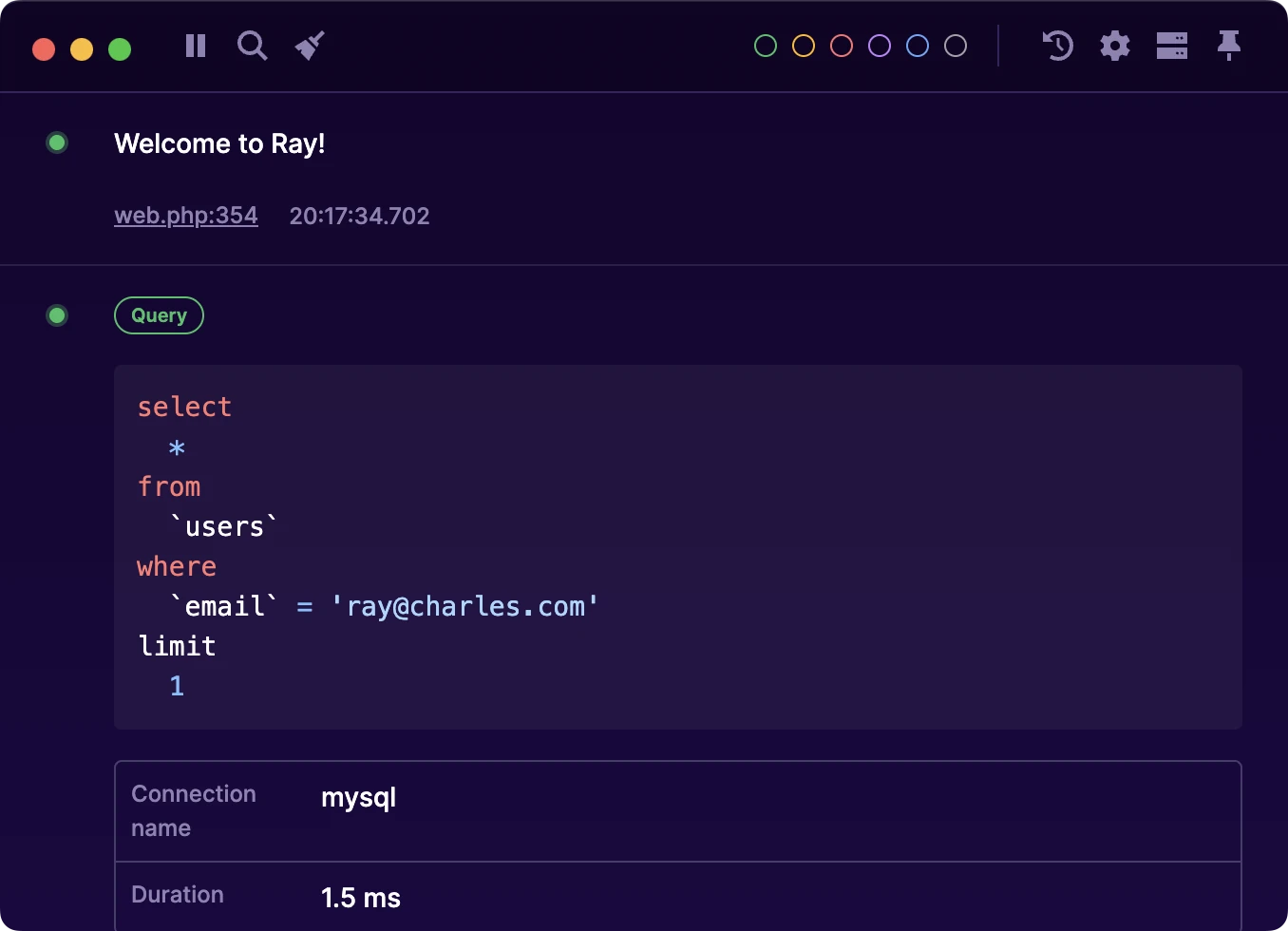
Laravel Boost skill
Ray includes a Boost skill that allows Claude Code to send debugging output and HTML previews directly to your Ray application. This is particularly useful when working with AI assistance, as Claude can visualize data, show rendered HTML, and help debug your application by sending information directly to Ray.
#What is Laravel Boost?
Laravel Boost is an official Laravel package that enhances your Laravel applications with AI-powered capabilities through Claude Code (Anthropic's CLI tool). Boost brings intelligent code assistance directly into your development workflow, including:
- AI Guidelines - Project-specific coding standards that Claude follows
- Agent Skills - Reusable capabilities that extend what Claude can do
- MCP Server Configuration - Integration with the Model Context Protocol
Boost uses a skill system where packages can provide specialized capabilities to Claude. The Ray package includes such a skill, allowing Claude to interact with your Ray application.
#What is the Ray Boost Skill?
The Ray Boost skill is a capability included with the Laravel Ray package that enables Claude Code to communicate directly with your Ray desktop application. When enabled, you can ask Claude to send data to Ray, and it will appear instantly in your Ray window - no need to write PHP code.
#Prerequisites
Before using the Ray Boost skill, you need:
- Ray desktop application - Download Ray
- Laravel Ray package (version 1.43.4 or higher)
#Installation
#Install Laravel Ray
If you haven't already, install the Laravel Ray package in your project:
composer require spatie/laravel-ray
The Ray Boost skill comes bundled with the package.
#Install the Ray Skill
Run the Boost installation command in your Laravel project:
php artisan boost:install
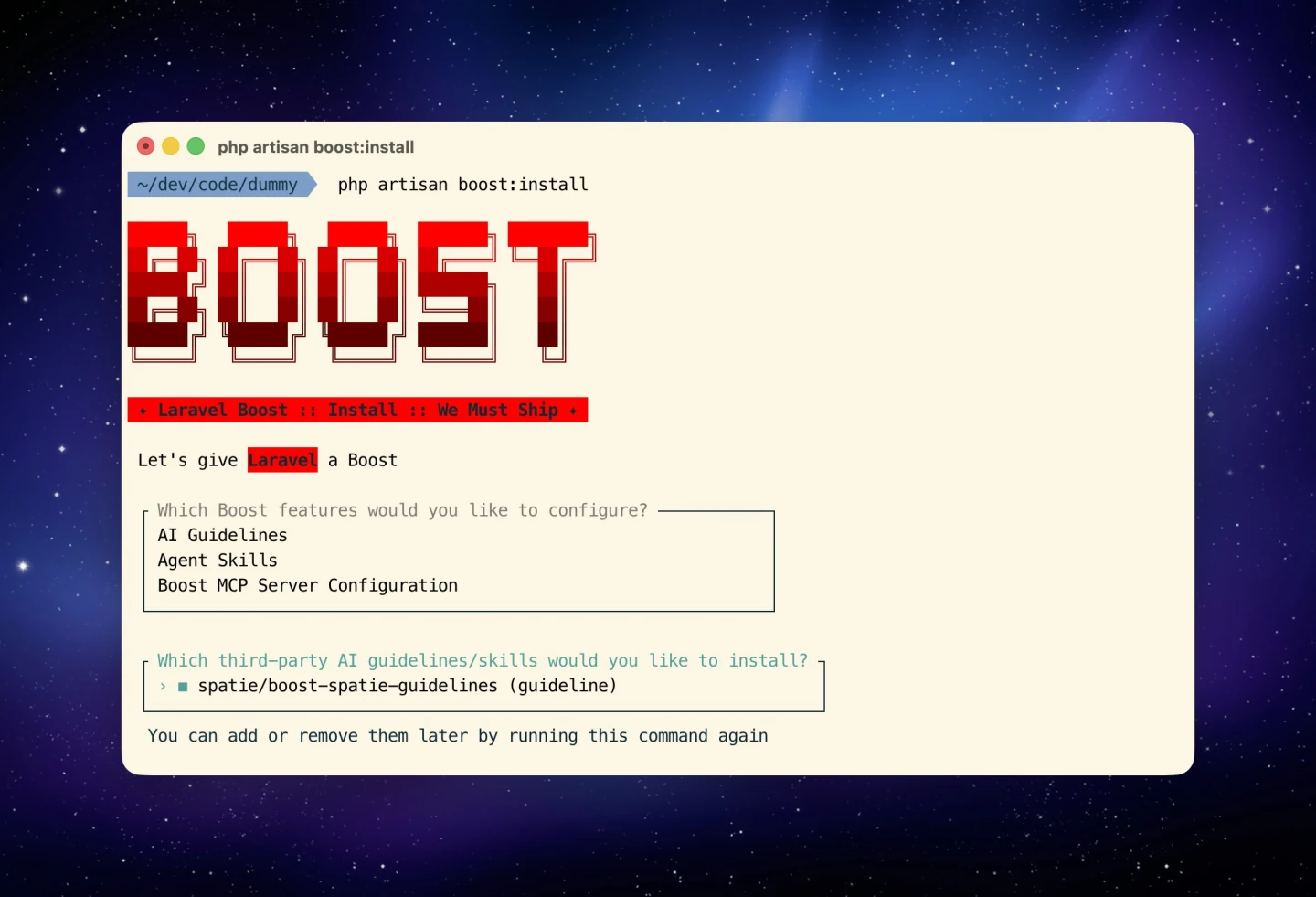
This will prompt you to configure Boost features. Select "Agent Skills" to enable skills.
When asked which third-party skills to install, select spatie/laravel-ray (skills):
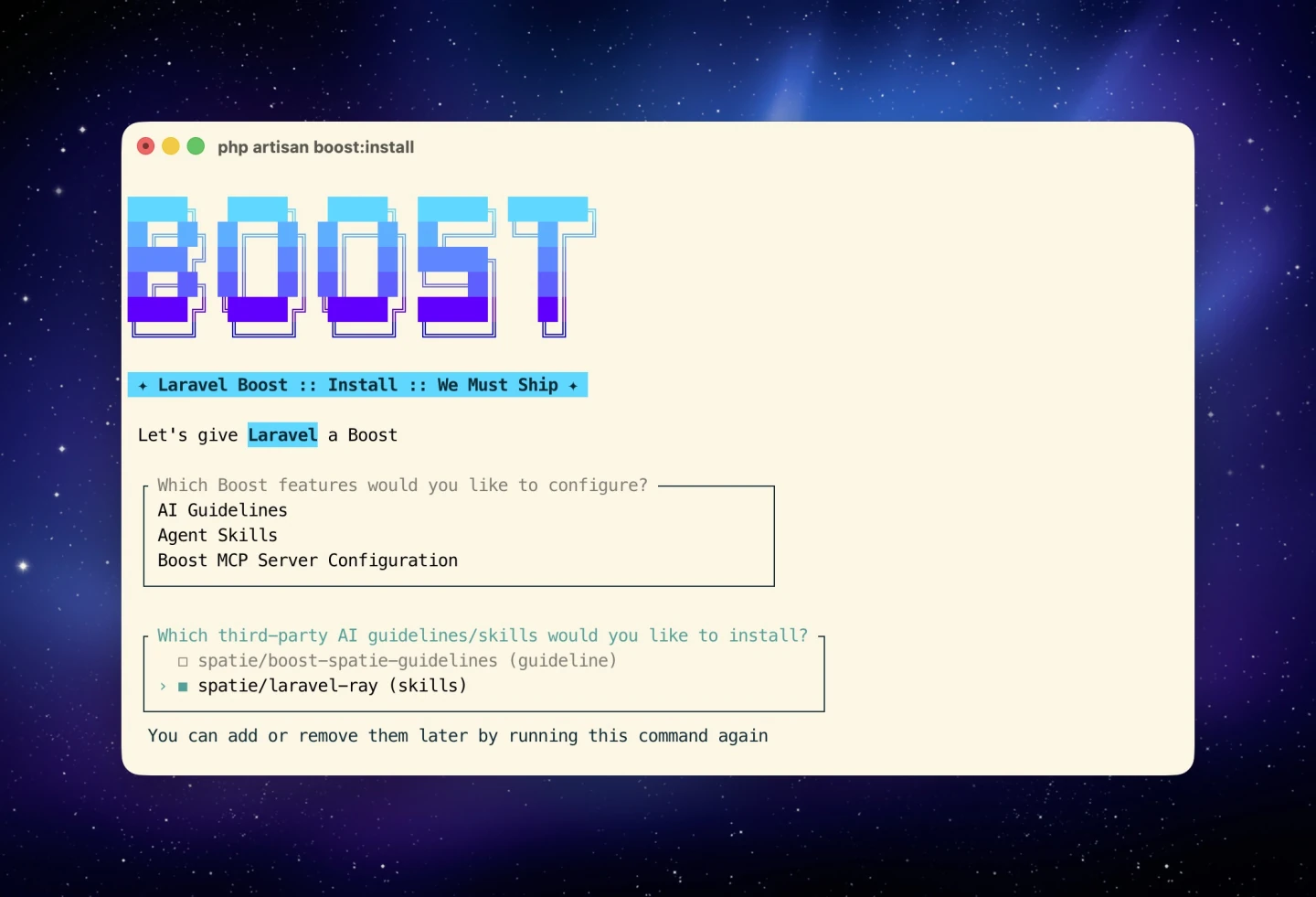
The Ray skill will be installed and available globally for all your projects.
#Updating the Skill
When you update the spatie/laravel-ray package to a newer version, the skill may also be updated. To update the skill, simply run the installation command again:
php artisan boost:install
Select spatie/laravel-ray (skills) again to reinstall the latest version of the skill.
#Usage
Once the skill is installed, you can use natural language to ask Claude to send data to Ray. Here are some practical examples:
#Visualize Your Database Schema
Show me the database schema in Ray
Claude will analyze your migrations and display your database structure as a formatted table in Ray.
#Design and Preview
Design a logo for my app and show me three variations in Ray
Claude will create SVG logo variations with different styles and colors, sending them as HTML previews directly to Ray where you can compare them side by side.
#Analyze Application Data
Show me the current user's permissions in Ray as a table
Send the last 10 order records to Ray
#Debug API Responses
Fetch the /api/users endpoint and send the response to Ray
Claude will make the API call, format the JSON response, and display it in Ray for easy inspection.
#What You Can Send
The Ray Boost skill supports sending various types of data:
- Values and variables - Any data structure or variable
- HTML content - Preview rendered HTML with proper formatting
- Tables - Structured data displayed as tables
- Custom content - Formatted output with labels and colors
- Notifications - Desktop notifications through Ray
#How It Works
When you ask Claude to send something to Ray, it will:
- Make an HTTP request to your local Ray server (typically
http://localhost:23517) - Format the data appropriately (as a log, HTML preview, table, etc.)
- Include origin information (file, line number) for context
The data appears instantly in your Ray application window, just as if you'd called ray() in your PHP code.
#Advanced Usage
#Visual Design Iterations
Create a pricing table component with three tier options and show it in Ray
Design a dashboard card showing user statistics with a gradient background
Claude will generate styled HTML components that you can preview in Ray before implementing them in your application.
#Data Visualization
Create a comparison table of the top 5 products by revenue and send it to Ray with color coding for performance
Show me a visual breakdown of the user roles distribution in my app
#Debugging Workflows
Create a new Ray screen called "Payment Flow" and trace the entire checkout process there
Show me all failed job attempts from the last hour with their error messages in Ray
#Performance Analysis
Analyze the N+1 queries in the User model and show the results in Ray
Profile the dashboard page load and send the timing breakdown to Ray
#Requirements
- Ray desktop application must be running
- Ray must be accessible at
localhost:23517(default configuration) - If using Docker or a VM, ensure Ray is configured with the correct host settings (see Configuration)
#Troubleshooting
If Claude cannot connect to Ray:
- Verify Ray is running
- Check that Ray is listening on the correct port (23517 by default)
- If using Docker, ensure your
RAY_HOSTis set correctly in your.envfile - Check your firewall settings aren't blocking the connection
#What's next?
For more information about Ray's capabilities and API, see: